


When a business starts managing leads in spreadsheets, chasing approvals over WhatsApp, or forcing teams to work around software that was never built for them, the cost is not just inconvenience. It becomes lost time, inconsistent data, slower service, and missed revenue. That is where a custom web application guide becomes useful – not as a technical document, but as a business tool for deciding what to build, why to build it, and how to make sure it delivers measurable value.
Off-the-shelf software still has a place. For many companies, it is the right starting point. But once your workflows, approval layers, customer journeys, or reporting needs become more specific, generic platforms can start creating friction instead of efficiency. A custom web application gives you control over how the system works, who uses it, what data it captures, and how it connects with your wider operations.
What a custom web application guide should help you answer
A practical custom web application guide should answer one core question: will this system improve business performance enough to justify the investment? That means looking beyond features. A custom platform may support internal operations, customer self-service, vendor coordination, booking, inventory visibility, claims processing, learning management, or multi-branch reporting. The exact use case depends on your business model.
What matters is whether the application removes operational bottlenecks and supports growth. If your team is duplicating work across different tools, manually validating data, or relying on people rather than process, a web application can standardize those activities. If your customers expect speed, tracking, convenience, or personalized access, it can also improve service quality and retention.
This is why the decision should never start with design alone. It should start with operational logic. What process is underperforming? Where is revenue being delayed? What task consumes too much manpower? Which customer touchpoint creates drop-off? When these questions are clear, the application becomes easier to define and far more likely to succeed.
When custom development makes business sense
Custom development is rarely the cheapest option at the beginning. It can, however, become the more cost-effective option over time if your business is outgrowing patchwork systems. The strongest case for custom development usually appears when your requirements are too specific for ready-made platforms, or when multiple tools need to work together and currently do not.
For example, a company may need a customer portal tied to internal approvals, finance records, support tickets, and automated notifications. It may need role-based access for head office, branches, vendors, and clients, each seeing different information. You can sometimes approximate this setup using several subscription tools, but approximation has a cost. Teams start creating workarounds, data becomes fragmented, and management loses visibility.
That said, custom is not always the right move. If your process is still changing every month, or your business has not yet validated what users actually need, building too early can waste budget. In those cases, a lean prototype or even a temporary off-the-shelf setup may be the better first step. The right approach depends on process maturity, internal readiness, and commercial urgency.
Planning your custom web application requirements
The most common reason web applications miss expectations is not weak coding. It is weak planning. Businesses often describe what they want in terms of screens or features, but not in terms of decisions, actions, users, exceptions, or outcomes.
A stronger planning process starts by mapping the workflow from beginning to end. Who starts the process? What information is required? What must be approved? What happens if data is incomplete? What should trigger an email, dashboard update, or alert? What reports does management need without asking staff to prepare them manually?
At this stage, priorities matter. There is a difference between must-have functionality and good-to-have enhancements. If everything is marked critical, the project becomes expensive and slow. A better approach is to identify the core workflow that creates the biggest operational improvement, then build around it in phases.
It is also worth defining success before development begins. That may mean reducing processing time, improving lead conversion, lowering manual admin work, increasing repeat usage, or creating a better customer experience. A web application should not be judged only by whether it launches on time. It should be judged by whether it improves the business metrics it was built to influence.
The custom web application guide to key business decisions
A useful custom web application guide should cover several business decisions early, because they affect both budget and long-term performance.
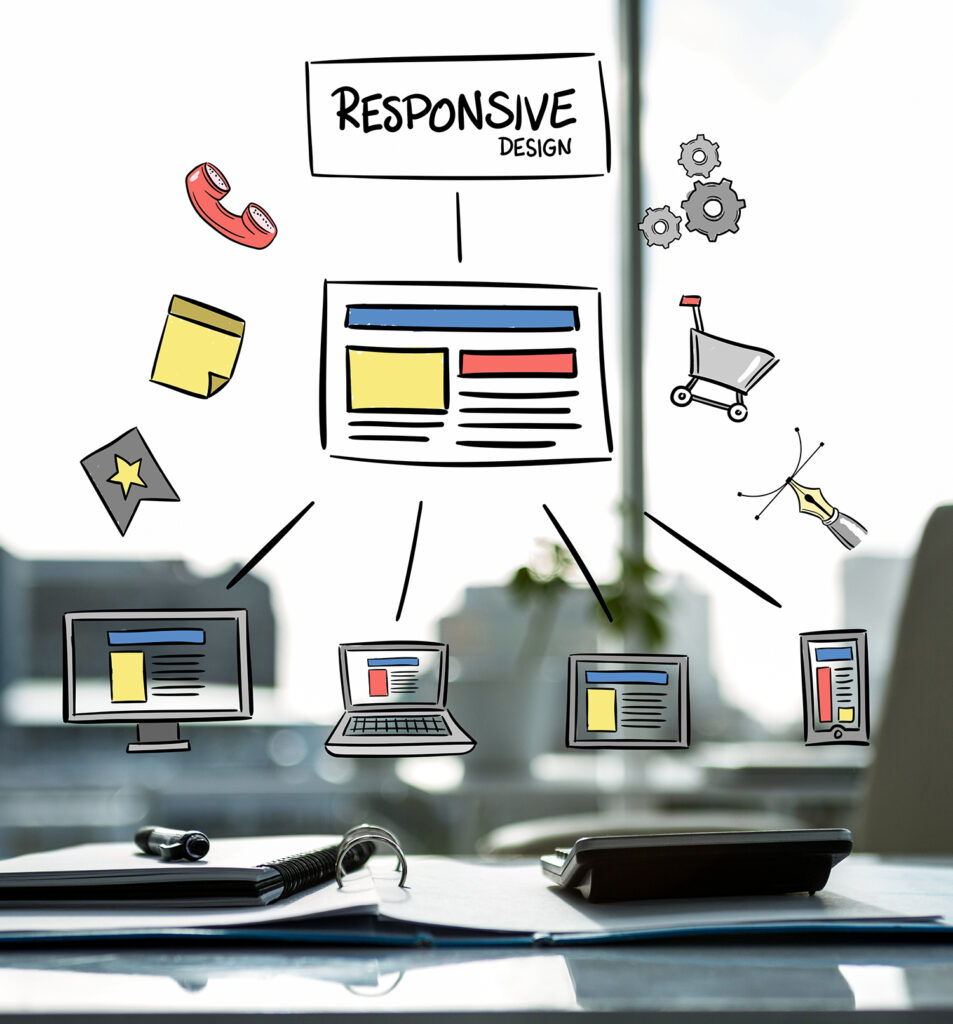
The first is user type. Internal systems for staff have different priorities from customer-facing platforms. Staff tools may focus on permissions, speed, and reporting. Customer platforms may place greater weight on interface clarity, mobile responsiveness, onboarding, and trust signals.
The second is integration. Many businesses already use accounting tools, CRMs, payment gateways, cloud email platforms, or marketing systems. If the new application cannot exchange data with those tools, your team may still end up doing manual work behind the scenes. Integration requirements should be discussed from the start, not added at the end.
The third is scalability. Some applications are designed for one department today but later need to support multiple branches, countries, or business units. If growth is part of the roadmap, the system architecture should reflect it. Rebuilding later is possible, but more expensive than planning properly at the outset.
The fourth is administration. Businesses often focus on front-end functionality and forget that somebody needs to manage users, content, records, approvals, settings, and reports. A strong admin environment can save significant time after launch.
Design, development, and testing without guesswork
Once requirements are clear, the next priority is execution discipline. Good UI/UX design is not decoration. It affects adoption, task completion, and training time. If users cannot understand the system quickly, even a technically strong platform can underperform.
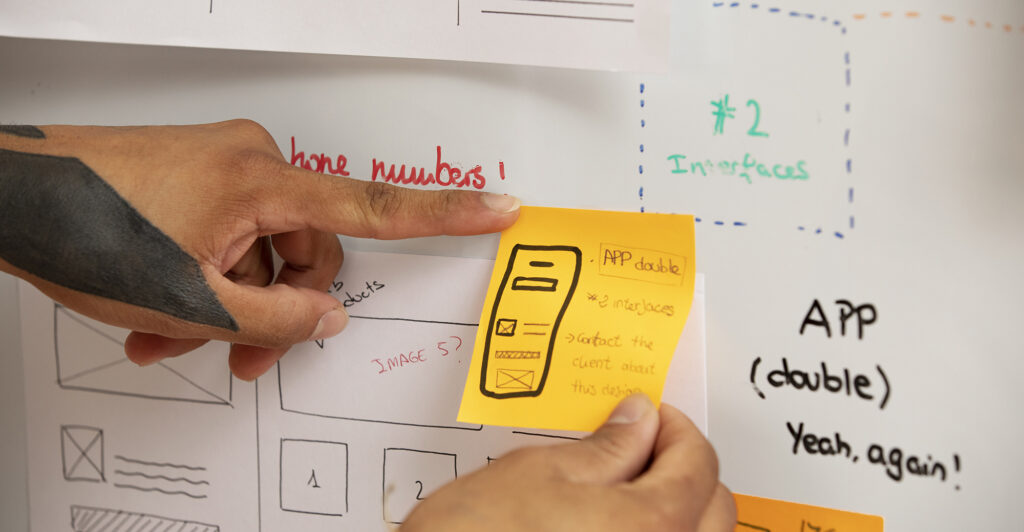
Wireframes and clickable prototypes are useful because they make logic visible before full development begins. This allows stakeholders to spot gaps in workflow, unnecessary steps, and permission issues early. It is far cheaper to refine the process at the prototype stage than after coding is complete.
Development should follow a defined scope, but not a rigid one. Some adjustments are normal as the project takes shape. The key is controlling scope changes instead of allowing them to derail timelines. This is where an experienced partner adds value – by balancing flexibility with delivery discipline.
Testing should cover more than whether buttons work. It should include role permissions, edge cases, mobile behavior, form validation, page speed, browser compatibility, and actual business scenarios. If the application handles payments, sensitive customer data, or internal records, security and access control become even more critical.
Launch is not the finish line
A web application starts proving its value after launch, not before. This is when real users introduce unexpected behavior, edge cases, and support needs. Training, documentation, monitoring, and maintenance are part of the business case, not optional extras.
Post-launch support matters because no application exists in a static environment. Teams change. Processes evolve. Marketing campaigns create new traffic patterns. Management wants new reports. Security standards shift. Hosting performance, backups, and software updates all influence reliability over time.
This is one reason many businesses prefer working with one agency partner that can handle development, hosting, interface improvements, and ongoing digital support rather than splitting responsibility across multiple vendors. Where the web application also connects to lead generation, customer engagement, or back-office productivity, the value of integrated execution becomes even clearer.
How to choose the right development partner
A custom web application is not just a technical build. It is a business system, and the partner you choose should understand that difference. You are not looking only for coding capability. You are looking for commercial thinking, process clarity, reliable project management, and long-term support.
Ask how requirements are gathered, how scope is controlled, how timelines are managed, and how changes are handled. Ask what happens after launch. Ask who owns the codebase, how hosting is managed, and what level of maintenance is available. These are practical questions, and they often tell you more than a portfolio gallery.
The right partner should also challenge assumptions where needed. If a requested feature adds cost without improving outcomes, they should say so. If a simpler workflow would reduce training time or improve adoption, they should recommend it. A dependable agency relationship is built on guidance, not just compliance. That is the standard businesses should expect from a provider such as SWOT.
A custom web application can become one of the most valuable digital assets in your business when it is tied to clear objectives, built around actual workflows, and supported properly after release. The smartest next step is not asking what features you can add. It is asking what business problem is worth solving well.